 PhoneSitter
A babysitter for your iPhone.
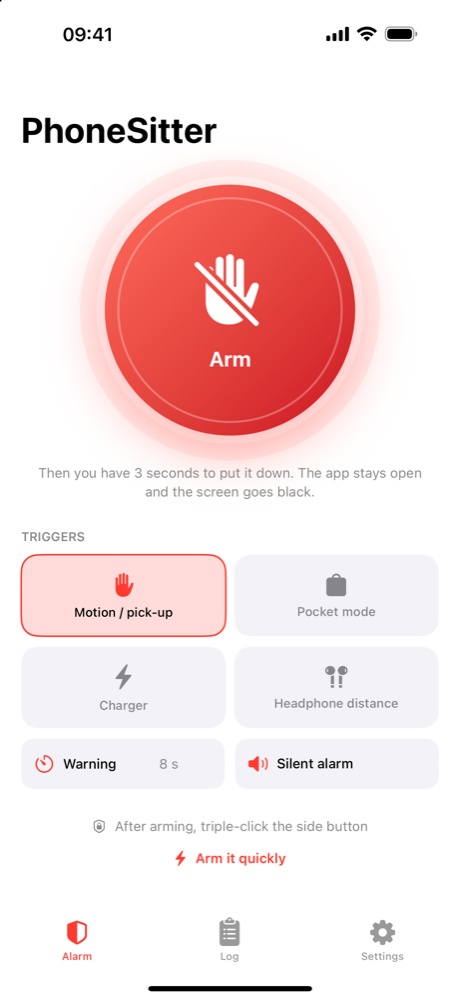
Arm it, put it down, walk away. Pick-up, tilt, unplugged charger, pulled out of a pocket – PhoneSitter sounds the alarm. Only Face ID or your passcode can stop it.
How it works
Arm and put it down
Tap Arm, you have 3 seconds to put the iPhone on the table.
Someone touches it
A pick-up, a tilt or a pulled charger starts the warning countdown.
Face ID – or siren
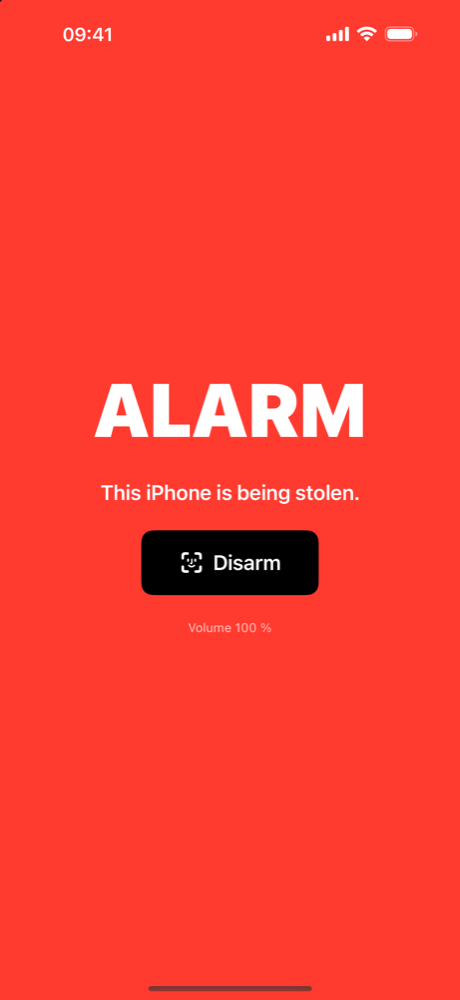
Disarm in time, or the siren, flashing light and a voice announcement go off.
Everything it can do
Pick-up & tilt
Lift it, tilt it, push it – the motion sensor notices. Three sensitivity levels.
Pocket mode
Alarm when the iPhone is pulled out of a pocket or backpack – walking doesn’t set it off.
Headphone distance
Alarm when your AirPods lose the connection – the iPhone was carried away.
Charger unplugged
Unplug the cable from a lying iPhone and the warning starts.
Photo of the thief
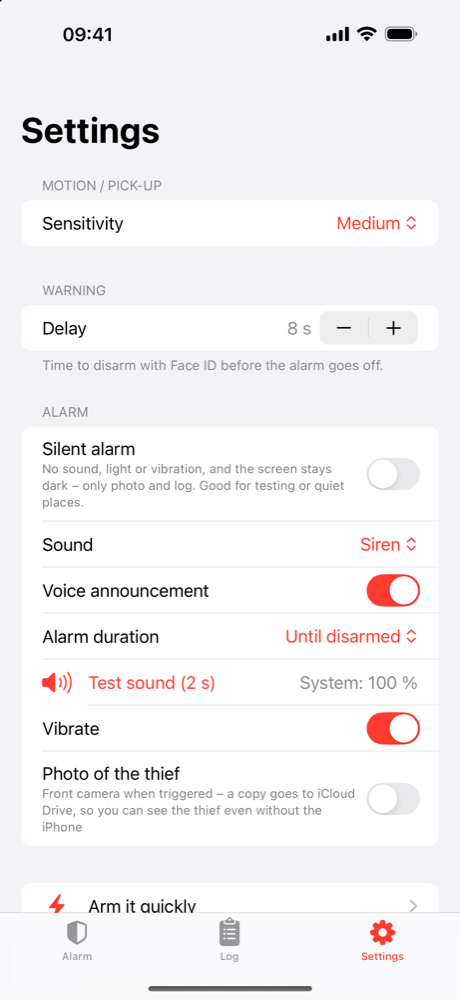
Two front-camera shots with a PhoneSitter stamp, kept in the app. With Pro also saved to your iCloud Drive and Photos – so you see the thief even if the iPhone is gone.
Silent alarm
No sound, no light, no vibration, dark screen – only photos and log. Your Apple Watch can buzz while the thief notices nothing.
Apple Watch
Arm and disarm from your wrist; the watch vibrates on warning and alarm (switchable).
Quick to arm
Action Button, Lock Screen, Control Center, Siri (“Arm PhoneSitter”, in your language) and Shortcuts automations.
Your settings
Warning delay 0–30 s, five sounds, voice announcement, alarm duration – set modes with one tap on the start screen.
See it in action
Free and Pro
The alarm itself is free. Pro unlocks the extras – one-time purchase, no subscription, 7 days free to try.
| Free | Pro | |
|---|---|---|
| Alarm on pick-up and tilt | ✓ | ✓ |
| Siren, Face ID disarm, warning delay | ✓ | ✓ |
| Photo of the thief (2 photos, in the app) | ✓ | ✓ |
| Siri, Action Button, Control Center, Shortcuts | ✓ | ✓ |
| Photos saved to iCloud Drive and Photos | – | ✓ |
| Pocket mode | – | ✓ |
| Alarm when the charger is unplugged | – | ✓ |
| Headphone distance | – | ✓ |
| Silent alarm | – | ✓ |
| Apple Watch (arm, vibrate) | – | ✓ |
| All sounds, voice announcement, alarm duration | Siren | ✓ |
FAQ
Does it work with the screen locked?
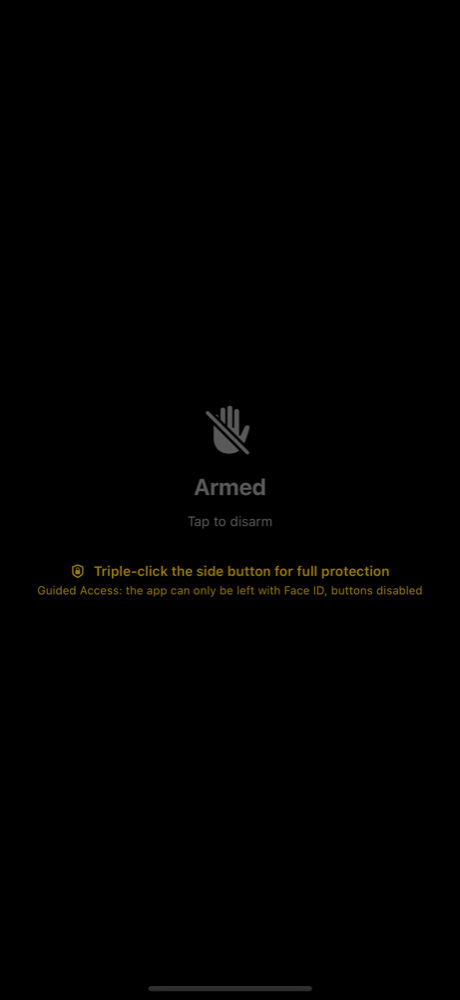
PhoneSitter protects while the app is open and in front – that is how Apple allows a theft alarm to work. With iOS Guided Access nobody can leave the app, lock the iPhone or turn the volume down without Face ID or your code. The app explains the setup step by step.
Can a thief just turn the iPhone off?
Switching off with the buttons can’t be prevented by any app. Guided Access with the side and volume buttons disabled helps. We say this openly instead of promising too much.
Where do the photos of the thief go?
They stay in the app on your iPhone and, with Pro, are also saved as files in the folder “PhoneSitter” in your iCloud Drive. There you see them on any device – and at icloud.com, even if the iPhone is gone. Optionally they are also added to your Photos. We never see them.
Which devices?
iPhone and iPad with iOS/iPadOS 18 or later, plus an Apple Watch app (watchOS 10 or later).
Which languages?
English, German, Spanish, French, Italian and Brazilian Portuguese.